


Savings Tracker / Sinking Funds Spreadsheet for Excel & Google Sheets


Savings Tracker / Sinking Funds Spreadsheet for Excel & Google Sheets
Pickup currently not available
SAVE FOR THE THINGS YOU KNOW ARE COMING, WITHOUT THE STRESS!
Birthdays, car repairs, holidays, Christmas... the “surprise” expenses that aren't really surprises.
The Savings & Sinking Funds Tracker gives every goal its own little pot and shows you how much to set aside to get there on time.
WHAT TO EXPECT
🌟 Track up to 20 savings categories, each with its own goal and target date.
🌟 See how much to save each month to reach every goal on time.
🌟 Progress bars that fill up as you save, so you can watch your goals come to life.
🌟 A simple deposits and withdrawals log that keeps every balance accurate.
🌟 A savings dashboard with charts of saved vs. goal for every fund.
🌟 Works in Microsoft Excel and Google Sheets, on your computer, tablet or phone.
Getting organised has never felt this good. Grab your spreadsheet and get started today! 💕
💡 Want to save? This spreadsheet is also included in our bundles. Save 15% or more when you shop our bundle deals!
This is a digital product. No physical item will be shipped.
What You'll Receive
— Instant access to your spreadsheet in Microsoft Excel (.xlsx), ready for Google Sheets too
— 2 colour schemes to choose from: Pink & Purple or Blue & Green
— A Start Here tab with simple step-by-step instructions
— A PDF with access instructions for Excel and Google Sheets
Your Results
— Money ready before you need it
— No more dipping into savings for expected costs
— A happy little rush every time a goal fills up
Access Instructions
Right after checkout you get your download link on the thank-you page and by email. Open the file in Excel, or upload it to Google Drive to use it in Google Sheets. This is a digital product: nothing physical will ship.
30-day money-back guarantee
Use it for 30 days. If you don't love it, send us a message and we'll refund you. No hassle.
Frequently Bought Together
 +
+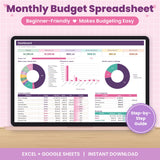 +
+
Total price: €32,85
Inside the spreadsheet
Here's everything you get
A closer look at the tabs that do the work for you.
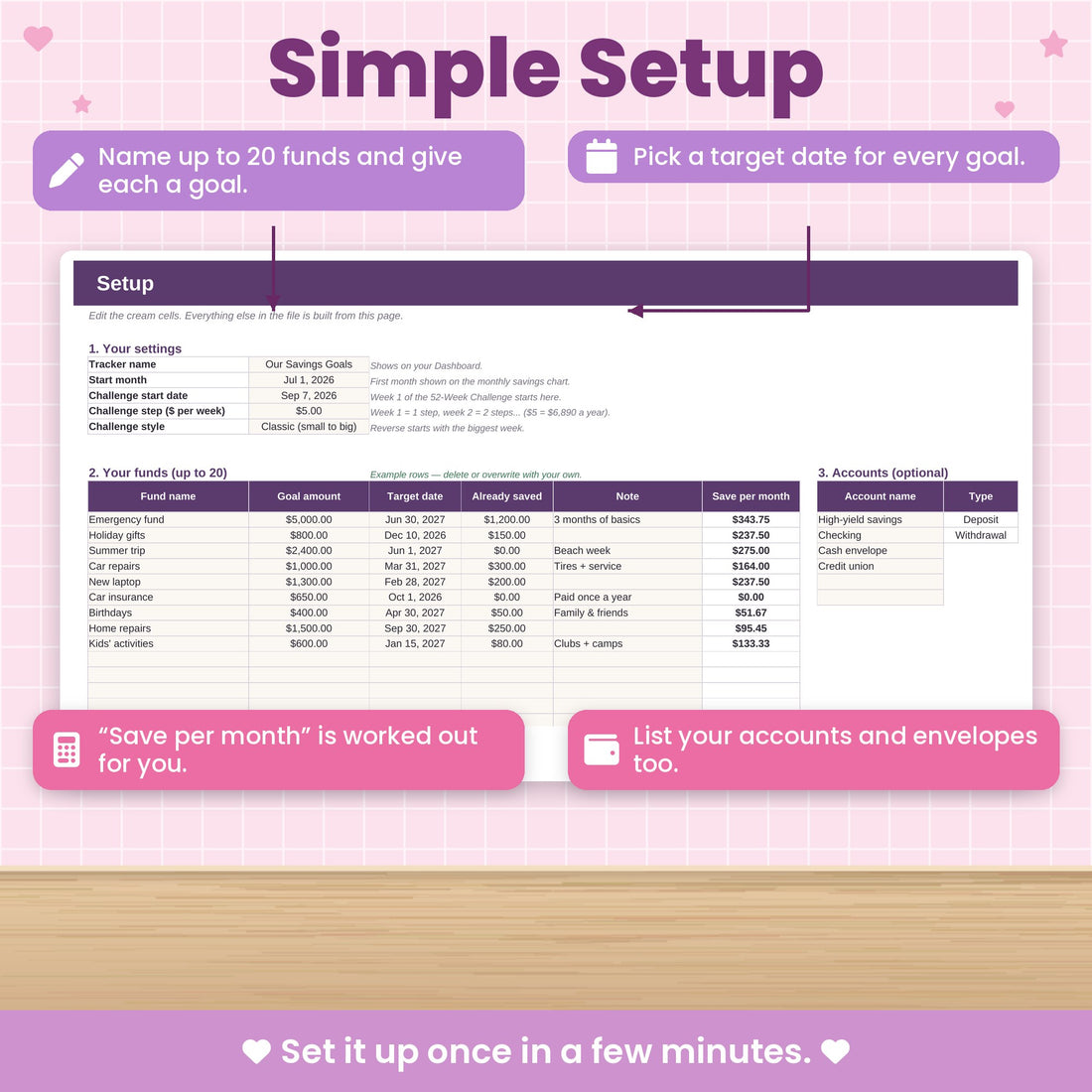
Simple setup
A little pot for every goal
Name up to 20 funds, set a goal and a target date. The spreadsheet tells you how much to save each month to get there.
- Up to 20 funds
- Save-per-month worked out
- Your own goals and dates

Easy tracking
Log deposits and withdrawals in seconds
Pick the fund and account from a dropdown and type the amount. Every balance stays accurate.
- Dropdowns for fund, type and account
- Withdrawals included
- Balances always up to date
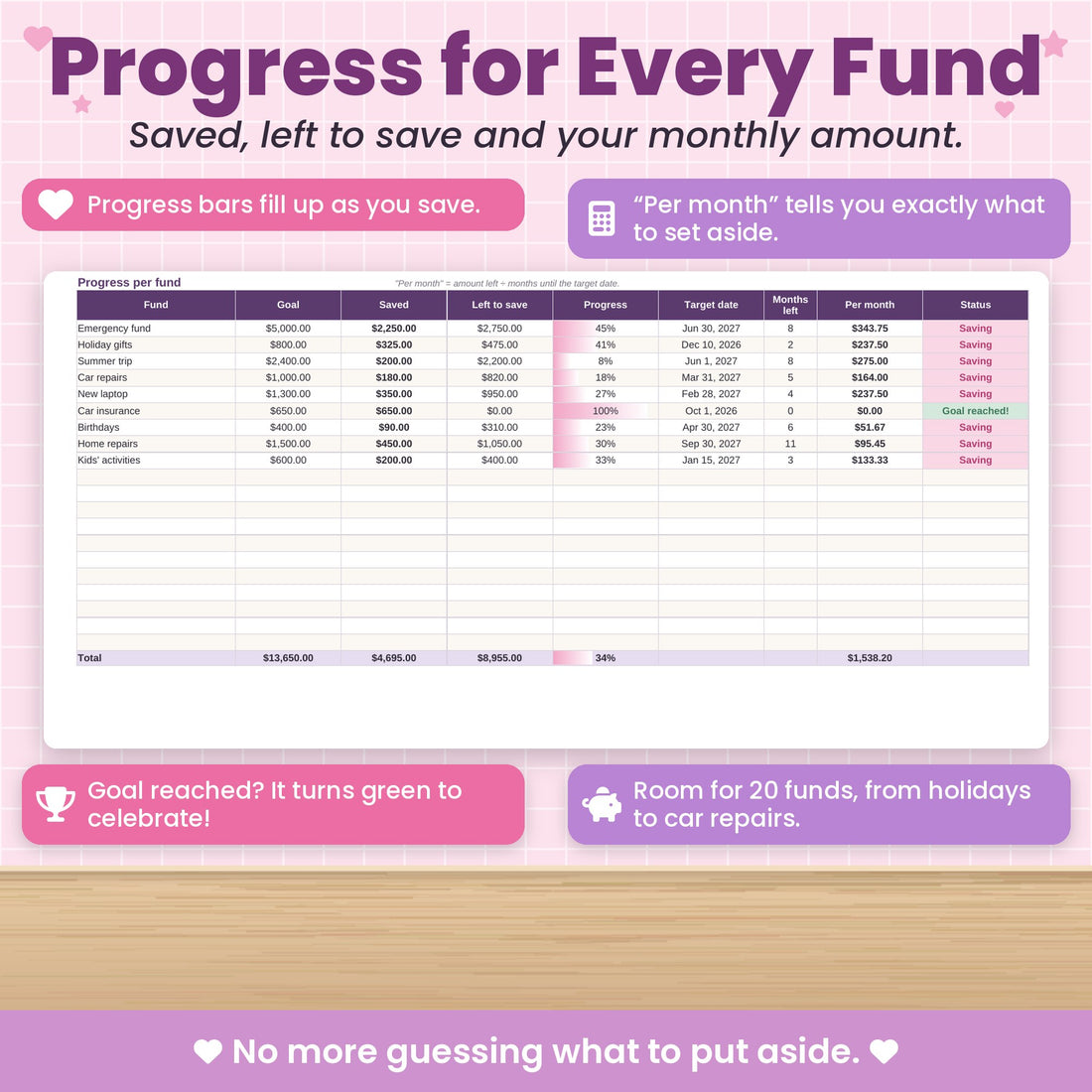
Watch it grow
Progress bars that fill up as you save
See exactly how close you are to each goal. There's nothing like watching a fund hit 100%.
- Progress for every fund
- Saved vs. goal
- Goal reached? You will know
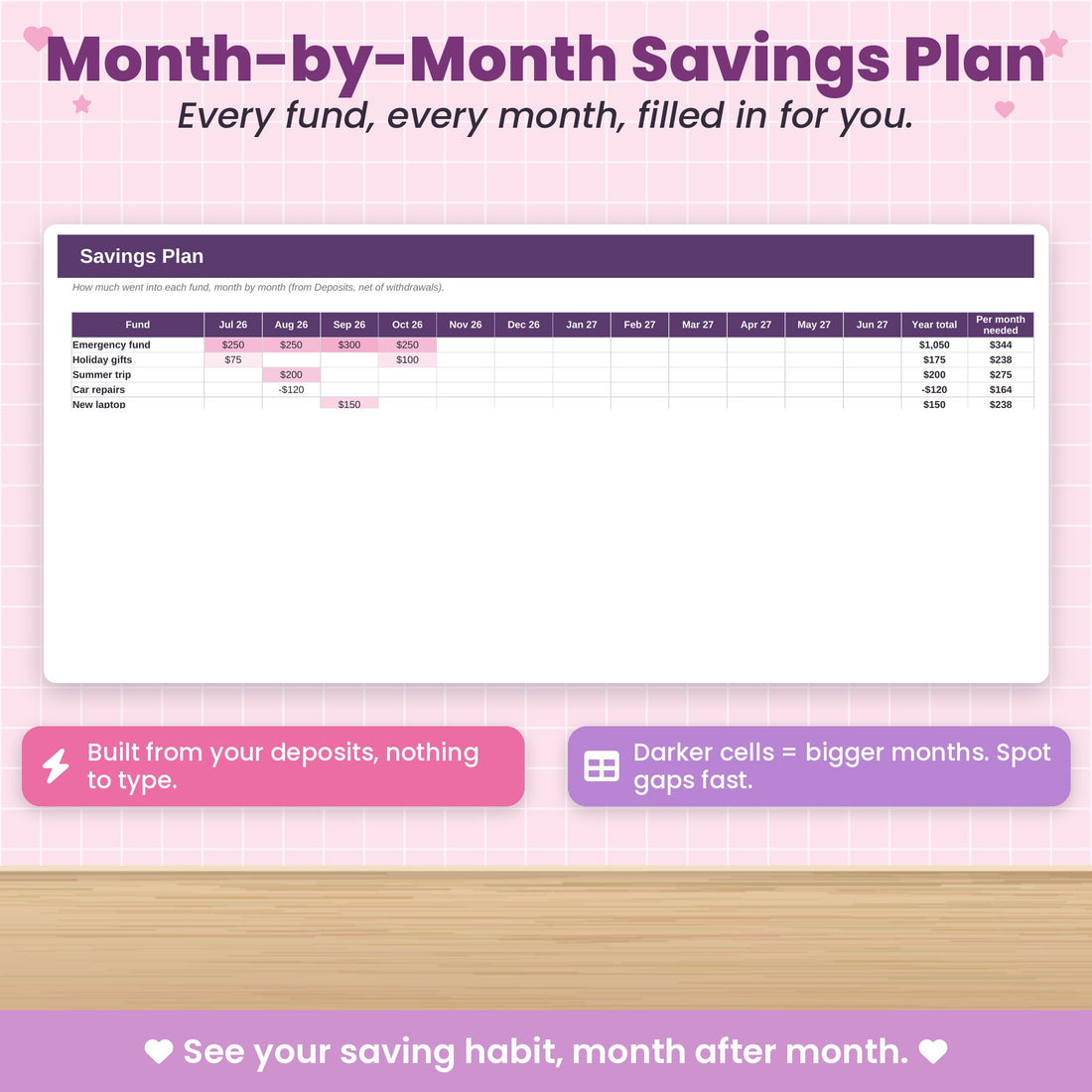
Plan ahead
A month-by-month savings plan
See what to put into each fund every month, so birthdays, car repairs and holidays never catch you off guard.
- Month-by-month grid
- Clear amounts for each fund
- No more surprise expenses
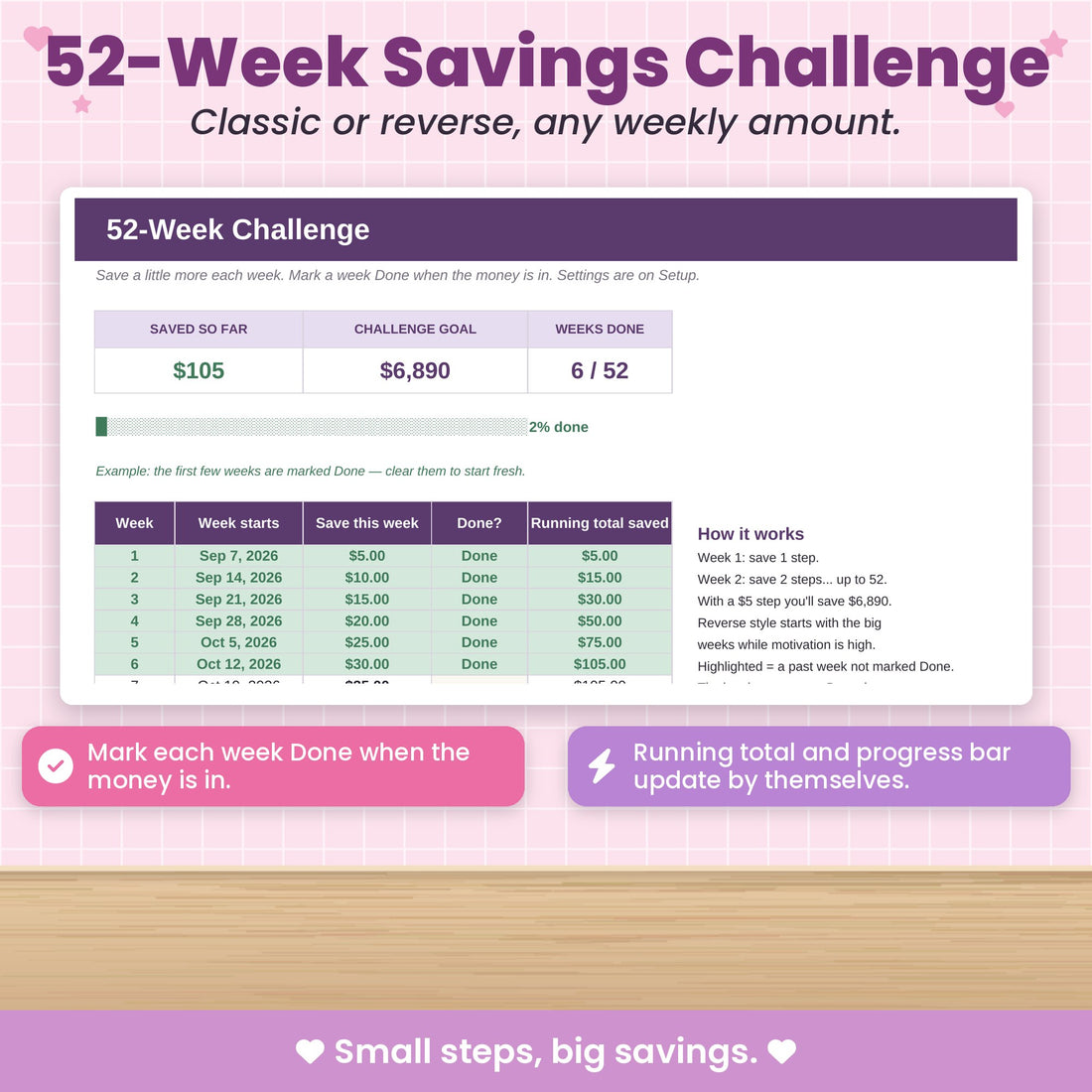
Bonus
A 52-week savings challenge
Build the saving habit with the classic or reverse 52-week challenge, tracked right inside your file.
- Classic or reverse
- Tick off each week
- A fun way to save more

Included in your download
Two colour schemes, same features
Your file comes in Pink & Purple and in Blue & Green. Pick the one that suits you, or switch whenever you like.
How it works
Up and running tonight
Check out
Quick, secure checkout. No account or subscription needed.
Download instantly
Your files are on the thank-you page and in your inbox straight away.
Open & start
Open it in Excel or Google Sheets and follow the Start Here tab. That's it.
Questions
Good to know
Do I need to know Excel?
Not at all. You only type in the cream-coloured cells and everything else, dashboards and charts included, updates by itself. A Start Here tab walks you through it.
Does it work with Google Sheets?
Yes. Upload the file to Google Drive and open it with Google Sheets. Your download includes a PDF that shows you how, step by step.
Can I use it on my phone or tablet?
Yes, with the free Excel or Google Sheets app on iPhone, iPad and Android.
Is this a subscription?
No. You pay once and the file is yours to keep and reuse.
What colours does it come in?
You get two versions in your download: Pink & Purple and Blue & Green. Pick your favourite.
How do I get my file?
Right after checkout you'll see a download link on the thank-you page, and we email it to you too. This is a digital product, so nothing is shipped.
What if I don't love it?
Use it for 30 days. If it's not for you, send us a message and we'll refund you.
Savings Tracker / Sinking Funds Spreadsheet
One payment. Instant download. Yours to keep.
30-day money-back guarantee · Works in Excel & Google Sheets